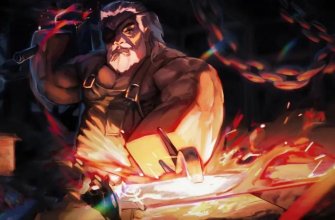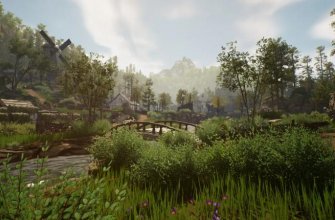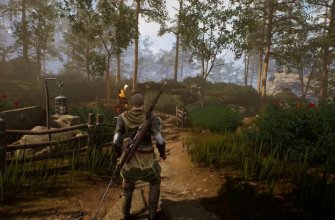




If you already playForge Forge), you probably noticed how quickly this game managed to acquire its own mini-community, guides and, of course, discussions of scripts. The game combines resource extraction, weapon forging and exploration, which means it includes a lot of repetitive actions: scripts can help by removing the routine and leaving only the fun of the game.
How to install scripts in The Forge
1. Install executor for Roblox
Install the appropriate executor depending on your platform: on Android – Delta, on iOS – Deltaios, on Windows – Xeno or Wave. There are also Arceus X, Delta Executor, Swift and others. Follow the installation instructions carefully. If a key is required, obtain it by following the steps provided.
2. Launch The Forge
Open the Roblox app, find The Forge game and start playing. Once the game loads, run the installed executor on top of it.
3. Run the script
Copy your chosen script for The Forge from the list below and paste it into the scripts field in the executor interface. Click the “Execute” button to activate the code.
4. Activate the script menu
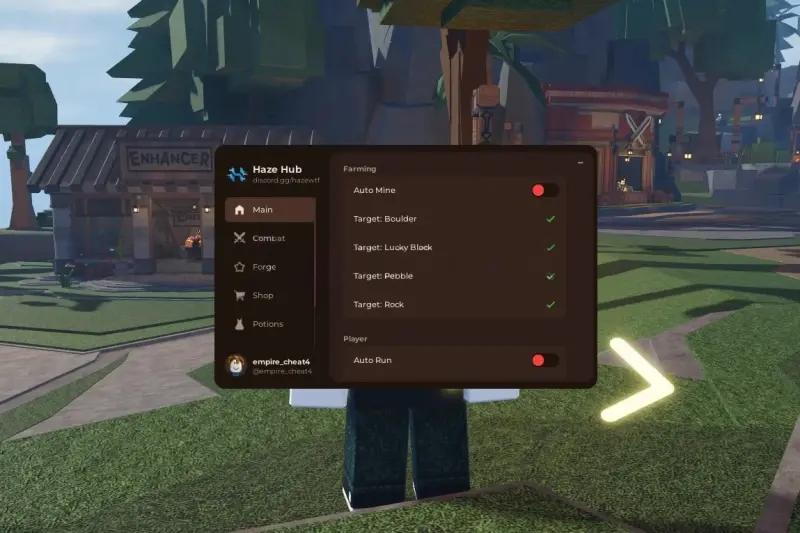
After running the script, its menu will open with various functions. Enable only those options that you really need to avoid suspicious behavior and a quick ban.
Important: no script guarantees complete protection against a ban. Developers actively monitor suspicious behavior, so it is optimal to check such things on secondary accounts and use them only when really necessary.
Best scripts for The Forge
Haze Hub Script The Forge [BETA]– this hub is considered one of the most common and includes automatic loot, functions for quickly completing mini-games, teleports and a menu with a large number of switches.
loadstring(game:HttpGet(“https://api.luarmor.net/files/v3/loaders/281e3549d77ad146fff9e409722b6140.lua”))()
loadstring(game:HttpGet(“https://haze.wtf/api/script”))()
Auto Mine Script The Forge [BETA] – focused on automatic ore mining.
loadstring(game:HttpGet(“https://raw.githubusercontent.com/notmydaisy/simca/main/games/the-forge”))()
Zenith Hub Script – a large interface with a set of automatic functions: moving to objects, auto-attack, auto-collection of resources, help with mini-games.
loadstring(game:HttpGet(“https://zenithhub.cloud/panel/script”))()
Space Hub Script The Forge – a lightweight, cross-platform hub with several basic features: resource extraction, combat functions, ESP
loadstring(game:HttpGet(“https://raw.githubusercontent.com/Space-RB/Script/refs/heads/main/loader.lua”))()
Rift Script Auto Attack & Mine– emphasis on automatically attacking enemies and mining ore
loadstring(game:HttpGet(“https://rifton.top/loader.lua”))()
Auto Farm Solix Hub Script – autofarm script with basic moving and mining functions.
loadstring(game:HttpGet(“https://pastefy.app/tWslZUaE/raw”))()
Chiyo Hub Script– GUI hub with navigation to resources, automatic actions and ESP.
loadstring(game:HttpGet(“https://rawscripts.net/raw/The-Forge-STRESS-TEST-Chiyo-60832”))()
NS Hub Auto Farm Script – compact autofarm script.
loadstring(game:HttpGet(“https://raw.githubusercontent.com/OhhMyGehlee/sh/refs/heads/main/a”))()
ATG Hub Script – advanced interface with functions of auto-attack, automatic mining, teleports and some cheat functions like No Clip or anti-AFK.
loadstring(game:HttpGet(“https://raw.githubusercontent.com/ATGFAIL/ATGHub/main/The-Forge.lua”))()
Air Flow Script Auto Mining – a script focused on automatic resource extraction
loadstring(game:HttpGet(“https://airflowscript.com/loader”))()
No 1 Hub – auto mining, auto killing, ESP for resources, teleports, speed settings, anti-AFK, No Clip and more.
loadstring(game:HttpGet(“https://raw.githubusercontent.com/SkibidiHub111/Forge/refs/heads/main/No1Dev”))()
Script – a universal script for routine automation.
loadstring(game:HttpGet(“https://pastefy.app/tWslZUaE/raw”))()
The Forge Script – Instant Forge, Instant Kill, Auto Farm – includes accelerated actions, instant forging, quick attacks, ore spawn
loadstring(game:HttpGet(“https://lunor.dev/loader”))()
Lazy Hub for The Forge– a hub with autofarming, teleports, ore targeting and advanced settings for interaction
getgenv().mobileMode = truerepeat wait() until game:IsLoaded()loadstring(game:HttpGet(“https://raw.githubusercontent.com/LioK251/RbScripts/refs/heads/main/lazyuhub_theforge.lua”))()
The Darkones Script – navigation to ore, auto-farming and movement.
loadstring(game:HttpGet('https://raw.githubusercontent.com/TheDarkoneMarcillisePex/Other-Scripts/refs/heads/main/The%20Forge%20GUI'))()
Simca Hub Script – a set of functions for automating forging mini-games, auto mining, auto battles and teleports.
loadstring(game:HttpGet(“https://raw.githubusercontent.com/notmydaisy/simca/main/games/the-forge”))()
Lunor Script – autofarm, quick attacks, move to ore.
loadstring(game:HttpGet(“https://lunor.dev/loader”))()
The game is updated quite often, and any third-party codes that users post publicly quickly cease to be relevant. If you notice an outdated code, let us know in the comments so that we can replace it with a working one.
Typical errors and their solutions
To complete the picture, we cannot fail to mention common errors and problems that are most often mentioned by those who use scripts:
Error “Executor not Supported”occurs when the script uses features that are not supported by your executor. To resolve the issue, try switching to another compatible executor or find a version of the script that is based on the standard game:HttpGet command.
“404/Not Found” messagewhen downloading via HttpGet, it indicates that the link is no longer valid – the file may have been deleted or moved. Try using an alternative link from the collection. If the script is on GitHub, open the repository in a browser and make sure the file path or branch name has not changed.
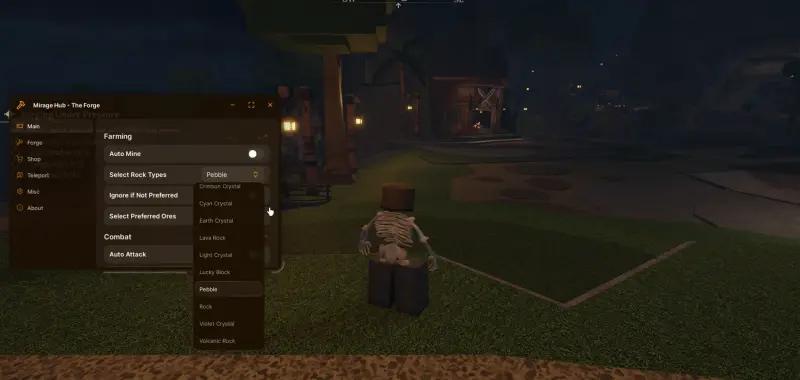
If the interface (GUI) is not displayed, but some functions work, most likely the script ran in the background. Open the console and check the contents of PlayerGui – menu items may have been added to a different folder or have a non-standard name.
Constant crashes from the game or automatic kicks indicate an anti-cheat has been triggered. Enable the “Anti Kick” or “Anti AFK” options, reduce the intensity of the script (for example, reduce the speed of actions) and, if possible, test on a second account to save the main one.
If the performer reports the need for syn.request, this means that specific API calls are required. If you don't want to change the executor, look for a universal downloader compatible with your device.
Don't be surprised if some script suddenly stops working; after game or platform updates, old versions quickly become outdated. Typically, it is enough to find an updated build or check if a new version of your executor is available.
FAQ: Frequently asked questions about scripts for The Forge
1. What is a Forge script?
This is an automated Lua code created specifically for the game The Forge. It can help you gather resources, navigate the map, or perform actions that would normally take time. Such tools speed up progress, but violate the rules of Roblox.
2. Are these scripts free?
Yes, most of these scripts are distributed free of charge. But there are also paid scripts that require a key.
3. Which tool is best?
There are different runtime applications for different platforms. It is important to use one that is compatible with your device and supports modern Roblox security requirements.
4. How safe is it to use such scripts?
The scripts are published on different sites. Always check the reputation of the author, as unknown scripts may be unsafe.
5. Can you be banned for using scripts?
Yes, there is always a risk of blocking. Using scripts violates the rules of the game. To reduce the risk, players often use backup accounts, but a ban is still possible.